
Every confirmation email contains a Manage my appointment button. It opens a page where the client sees her appointment, and can cancel it or ask to move it, without calling you.
The cancellation deadline
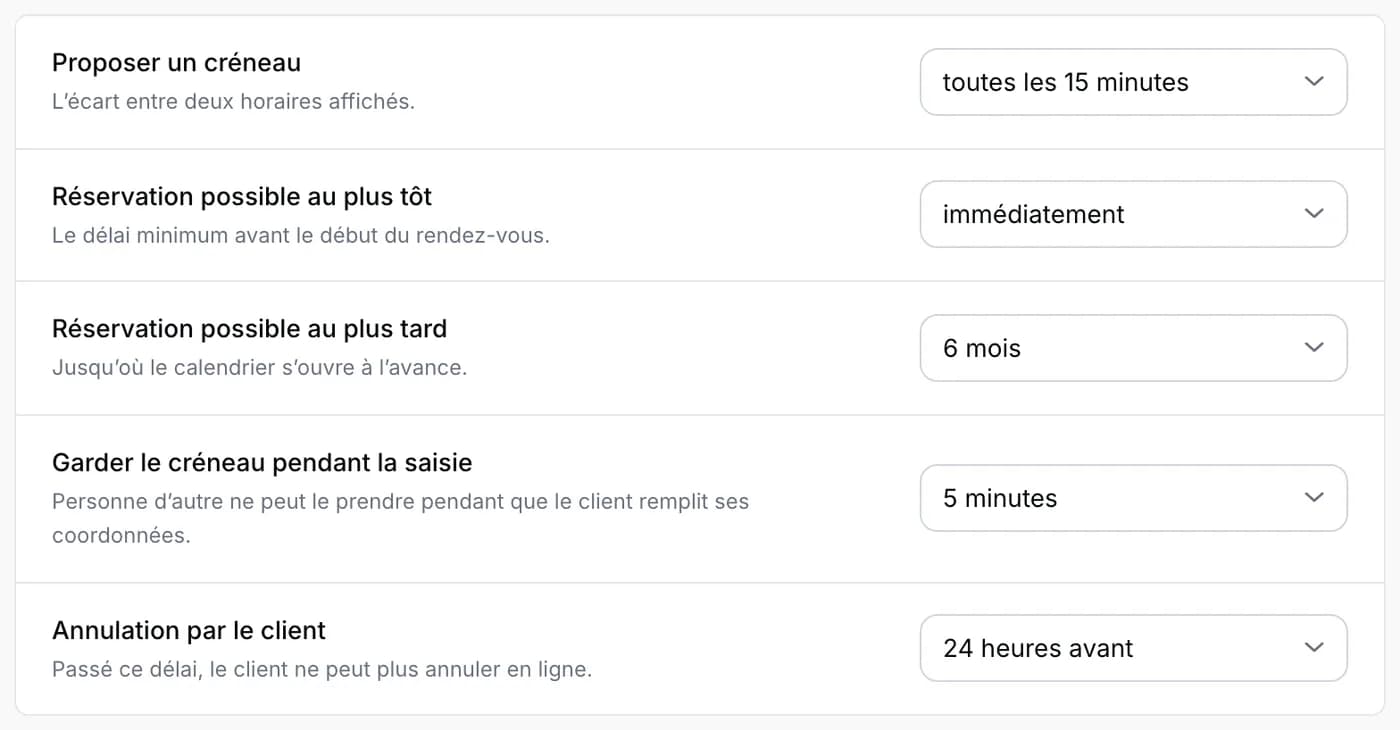
You choose until when it is possible: under Salon management, Booking, setting Cancellation by client, for example 24 hours before. After that deadline, the page invites the client to contact you directly.
When she cancels
The cancellation is immediate: the appointment shows as cancelled in your calendar, the slot is free again for another client, and she receives a confirmation email. If notifications are on for your phone, you are alerted right away.
When she wants to move it
- The client chooses a new free slot and sends her request. Her appointment does not move until you have answered.
- The request arrives in your notifications, the bell at the top of your workspace: A client wants to move her appointment, with the old and the new date.
- Tap Approve the change to move the appointment, or Decline to keep it as it is. The client receives an email either way.
Good to know
The requested slot is checked again when you accept: if it was taken in the meantime, Napiro tells you. On your side, you can always cancel or move an appointment from the calendar, whatever the deadline.