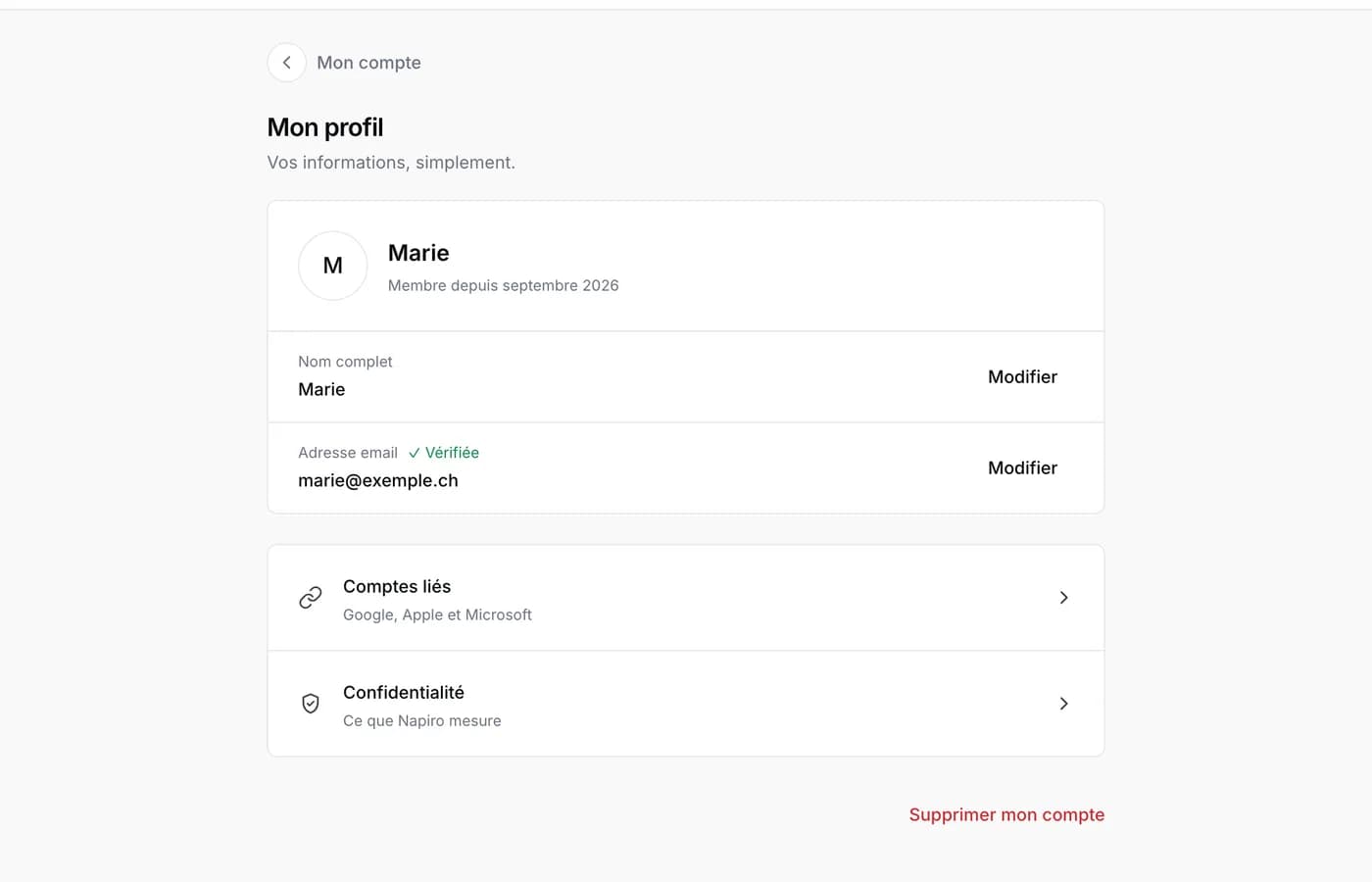
When you sign up, Napiro sends an email with a confirmation link. Until you click it, a banner on your account page reminds you, and two actions stay closed: linking an Apple, Google or Microsoft account, and enabling two-factor authentication.
Click the link from the browser you signed up in: your address is confirmed straight away. From another device, or if you are no longer signed in, Napiro asks you to choose a new password. This is deliberate: it protects the account if someone else had created it with your address.
If you created your account from the “Create my page” flow, it has no password: the link signs you in directly, from any device, and puts your page online. To set one later, use the forgotten-password link on the sign-in screen.’
The email does not arrive
- Check your junk folder. The sender is no-reply@napiro.com.
- On your account page, use “Resend the confirmation email”. A short delay applies between two sends.
- If the address has a typo, fix it in the same place: a new link goes to the corrected address.
- The link is valid for a limited time. Once it has expired, send a new one.
Changing your address later
From your account page, enter the new address, then follow the links received by email. A confirmation on the old address may also be requested. Until it is confirmed, the old address is the one you sign in with.