
Deletion is not a one-click action: you send a request, and our team processes it. Until then, nothing changes: you can keep working, and change your mind by writing to us.
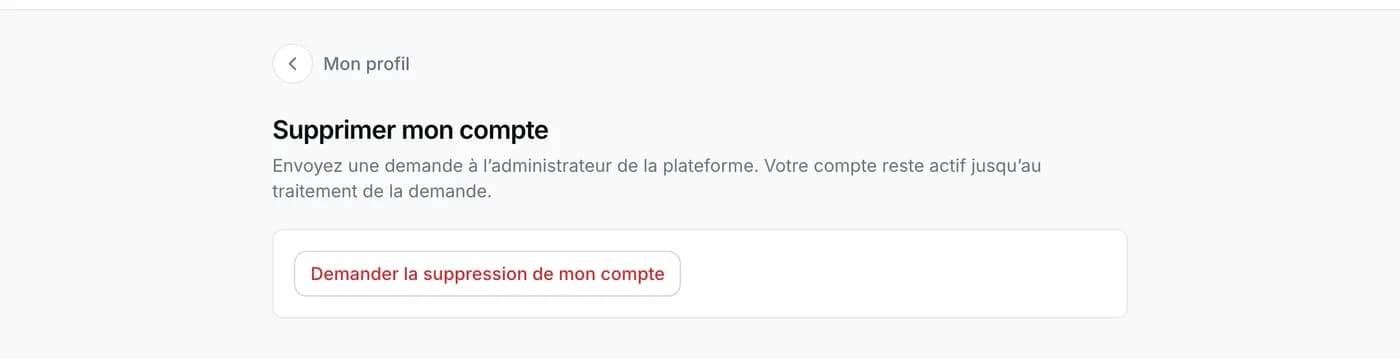
The Delete my account button is at the bottom of the My profile page, under My account.
What goes with the account
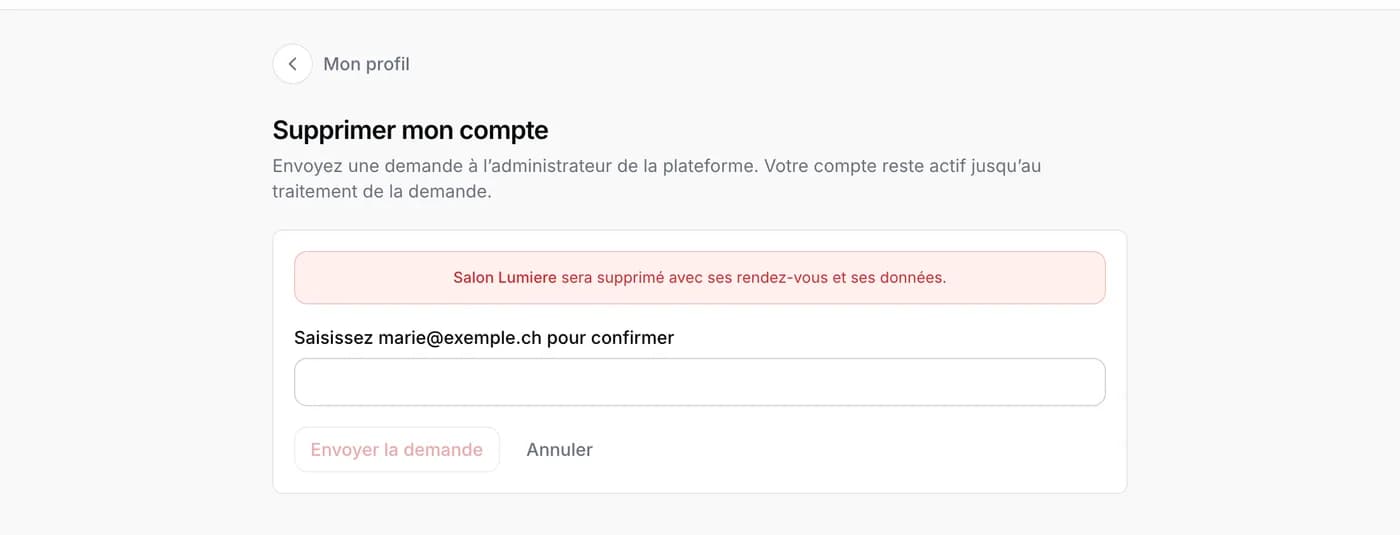
Before you confirm, the page says what will be deleted. A salon where you are the only owner goes with its appointments, clients and data. A salon with another owner is kept: it stays with that person, only your access disappears.
If you want to keep a salon, write to us first: we will transfer it to the person of your choice before deleting your account.
Send the request
- Tap Request deletion of my account.
- Read what the page says about each of your salons.
- Type your email address in the field, exactly as it is written, then tap Send the request.
- A message confirms the request has been sent. You receive an email, and our team replies before doing anything.
Changing your mind
As long as the request has not been processed, simply reply to the ticket from My requests saying you want to keep your account. Once the account is deleted, the data cannot be recovered.